 Keycap
Notes on typing
Plain answers about speed, accuracy, touch typing and keyboards. Written by the people making Keycap.
What is a good typing speed?
Average typing speed is about 40 wpm. Here is what the common benchmarks mean, how wpm is counted, and why accuracy decides which number you can trust.
3 min read
How to learn touch typing on a Mac
Touch typing means typing without looking at the keys. Here is how to start on a Mac, in what order to learn the keys, and how to know when to move on.
3 min read
How wpm is calculated, and why raw and net differ
wpm is correct characters divided by five, per minute. Raw wpm counts everything you typed. Here is the arithmetic, with examples, and how accuracy and consistency are defined alongside it.
3 min read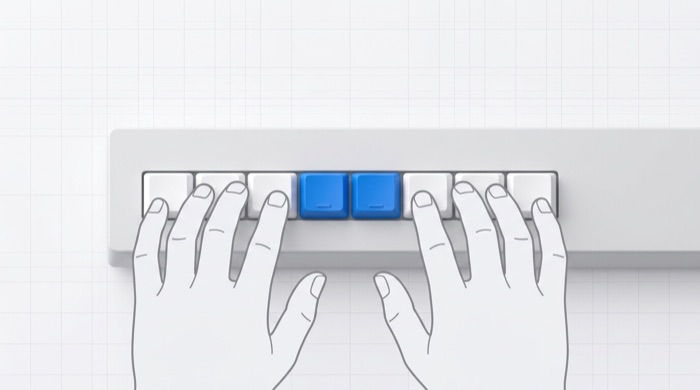
The home row, and which finger owns which key
The home row is A S D F and J K L ;. Every key on the keyboard belongs to one finger, reached from there. Here is the full map for an ANSI (US) Mac keyboard.
3 min read
How long does it take to learn touch typing?
Two to four weeks of daily practice gets most people to a usable level. Here is a realistic timeline, what slows it down, and how to know you are on track.
2 min read
Why accuracy comes before speed
A mistake costs three keystrokes and breaks your rhythm. Practising for accuracy first is the fastest route to a high typing speed, and here is why.
2 min read
Typing test or typing trainer? The difference, and when you need each
A typing test tells you how fast you are. A typing trainer changes it. Here is what each does, why monkeytype is the reference for tests, and what a trainer adds.
2 min read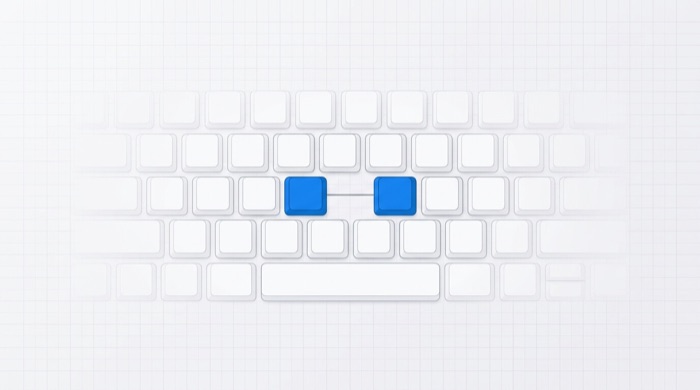
The key pairs that slow you down
Most lost typing speed hides in a few two-key sequences, not in single keys. Here is why pairs matter, which ones are hardest, and how to find yours.
3 min read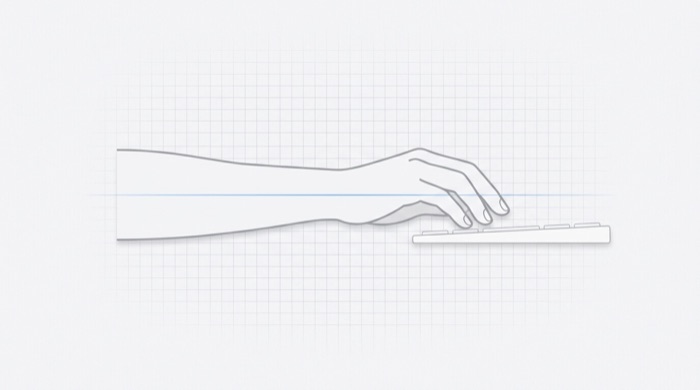
Typing posture and hand position that will not hurt
Wrists flat, elbows at ninety degrees, screen at eye height, and hands that float rather than rest. The basics of typing without strain, and the habits that cause it.
3 min read
Mechanical keyboard switches, explained by sound
Linear, tactile, clicky — what the switch under a keycap does, why a Gateron Ink Black sounds nothing like an IBM buckling spring, and whether any of it makes you type faster.
3 min read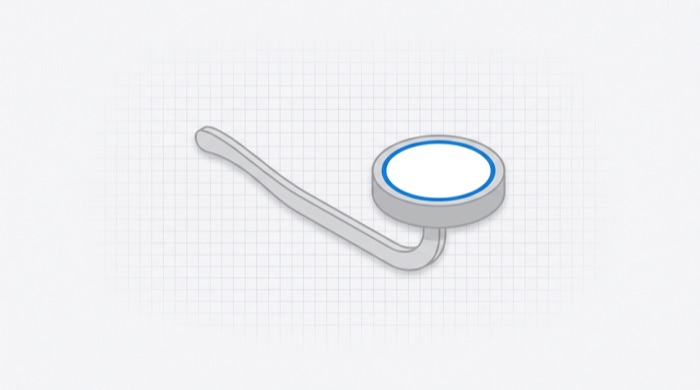
Why is the keyboard laid out QWERTY?
The QWERTY layout dates from the 1870s and was shaped by the mechanics of early typewriters. Here is where it came from, why it stuck, and whether alternatives like Dvorak and Colemak are worth switching to.
3 min read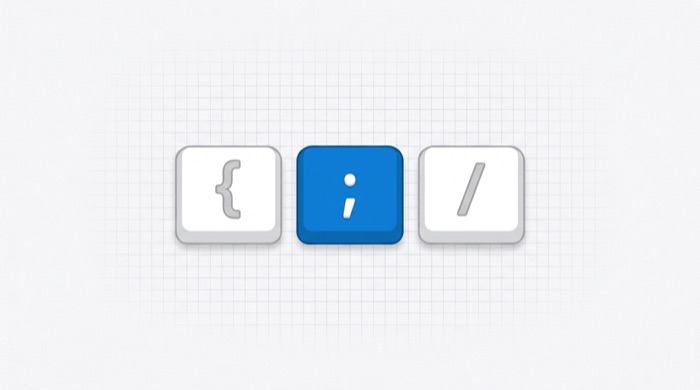
Touch typing for programmers: symbols, numbers and the keys prose never uses
Code is full of brackets, semicolons and underscores that ordinary typing practice never trains. Here is why programmers plateau, and how to practise the top row and the right pinky.
3 min read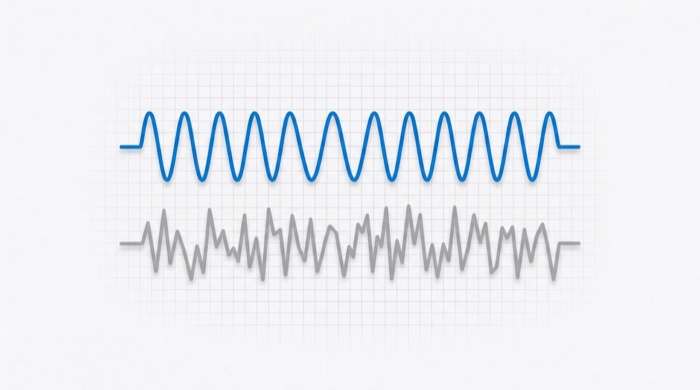
What typing consistency measures, and why it predicts your real speed
Consistency is how even your pace was across a typing run. It separates a speed you own from a lucky burst, and it is the figure most likely to tell you what to practise next.
2 min read