Learn to type
Then get fast
Keycap finds the keys you miss and builds the next drill from them. On your Mac, with nothing sent anywhere.
Requires macOS 26
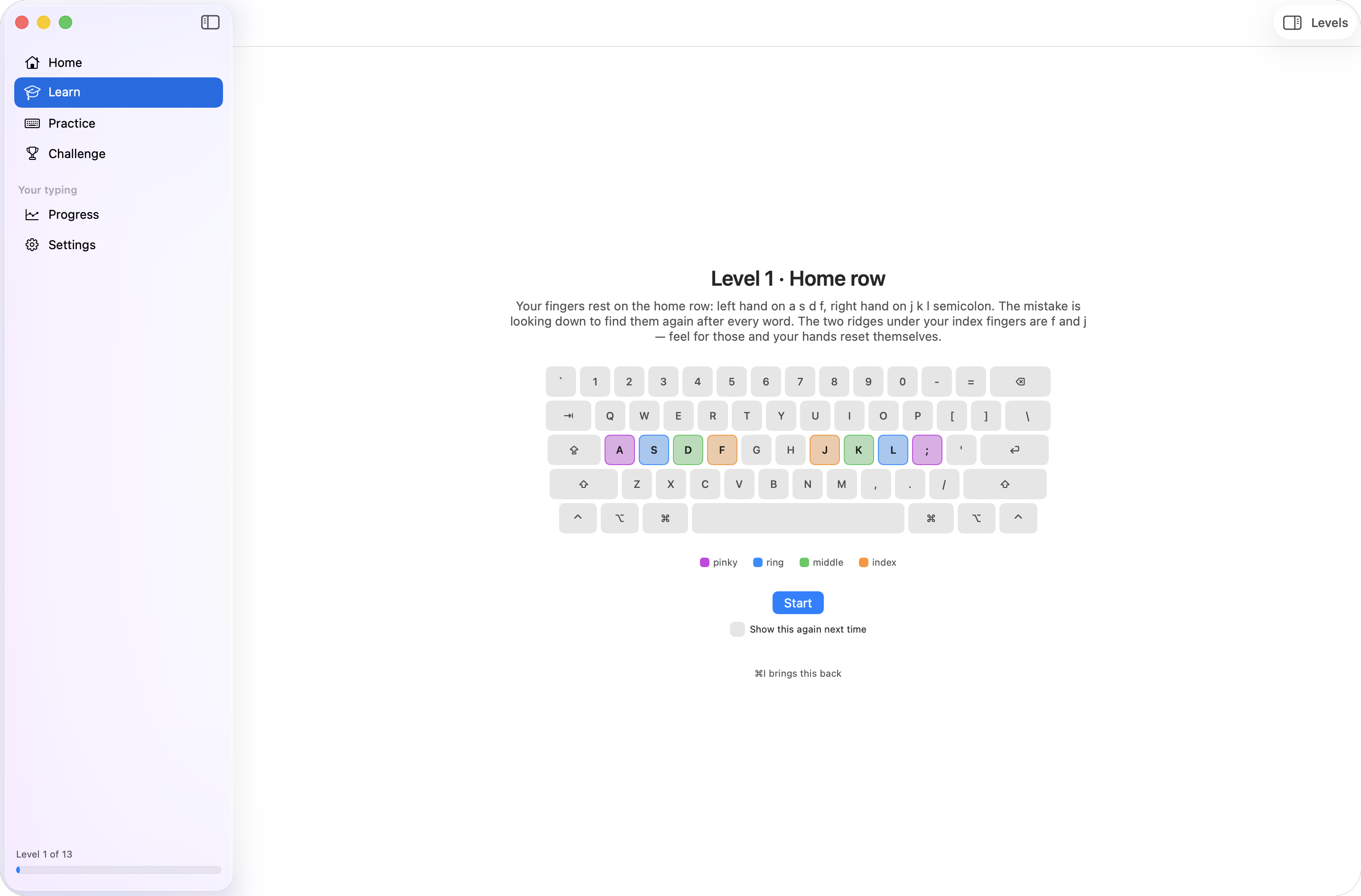
Drills aimed at your weak keys
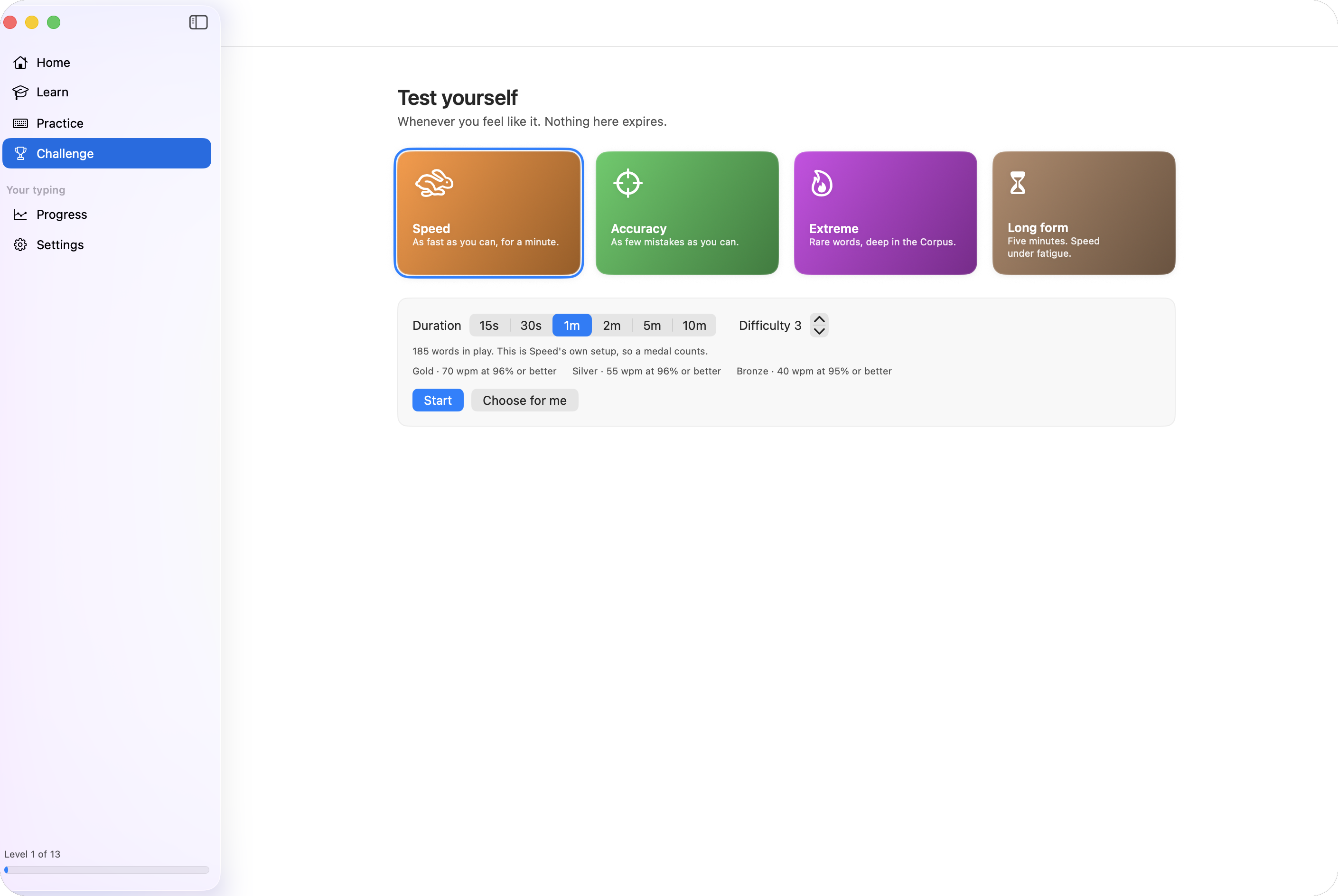
Every Run updates a per-key record of what you got wrong, the Error Profile, and the next drill is built from it.
The keys you keep missing
Not the same course for everyone. Keycap watches which keys and which pairs of keys cost you, and drills those.
- A per-key Error ProfileUpdated after every Run, on your Mac. The next drill is built from it.
- Fixed keys leave the drillA key you have fixed stops being drilled, so the drill changes as you do.
- Pairs that keep costing you get a FixAt most three pairs over at most five Runs, ending with a before-and-after figure for each. Stopping early records nothing.
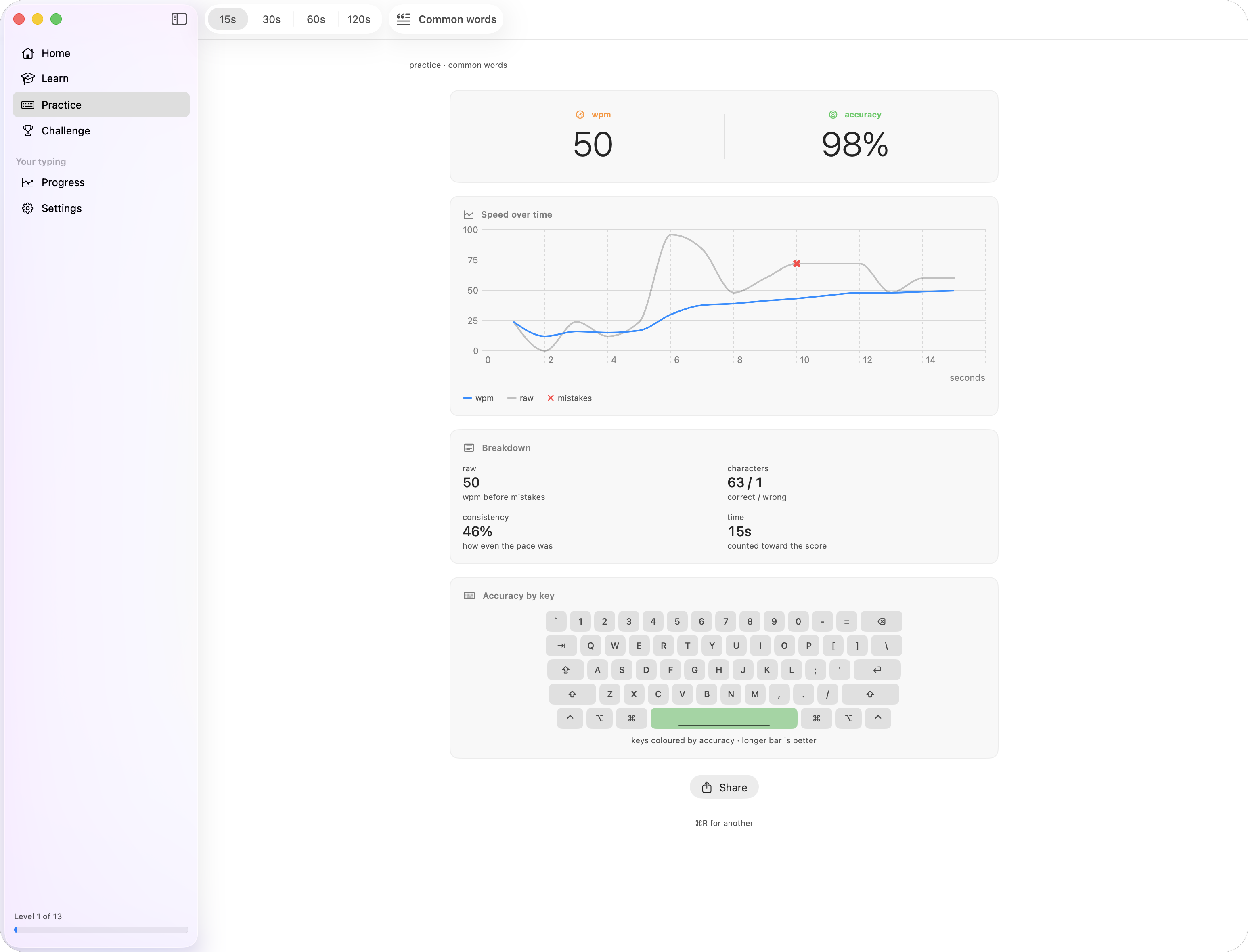
Practice text written on this Mac
Name a subject (the sea, Roman roads, whatever you like) and Apple Intelligence writes a passage about it for you to type. The subject never leaves this Mac.
- OptionalWithout Apple Intelligence, Keycap uses its own word list, the Corpus, and tells you so.
- It writes the practice text, never the teachingEvery Level is written by hand. Nothing you are taught is generated.
- Personal bests stay on common wordsA passage about the sea is not comparable to one about anything else, so Keycap says so instead of counting it as a best.
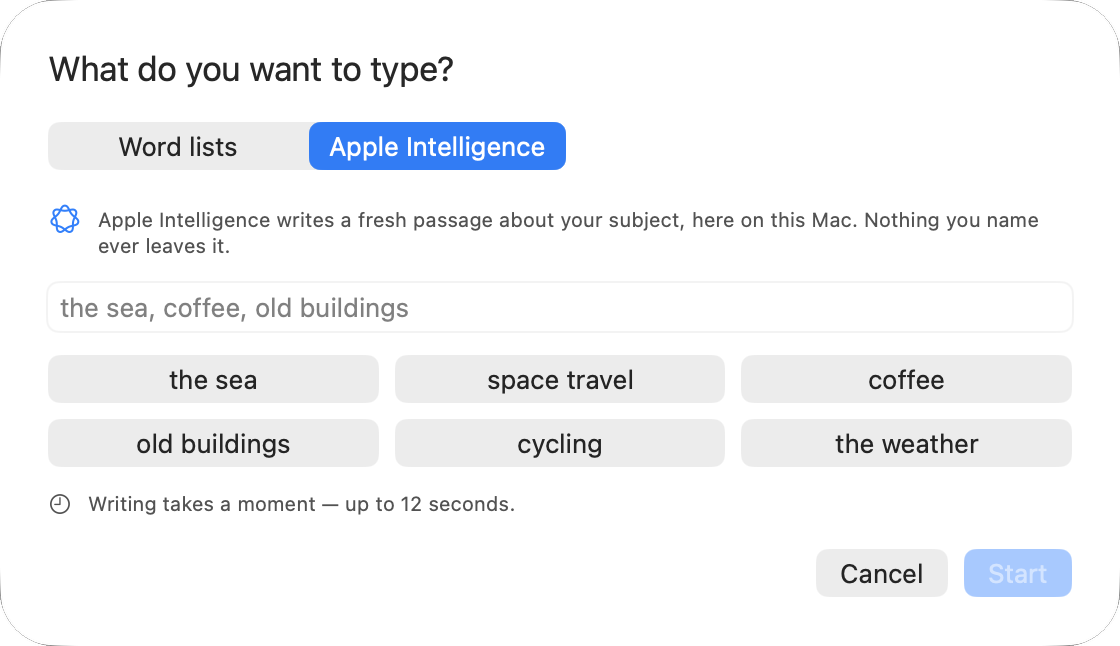
Four setups, scored for Medals
Challenge runs the same setup every time, so one score compares with the next. Nothing here expires.
- SpeedAs fast as you can, for a minute.
- AccuracyAs few mistakes as you can.
- ExtremeRare words, deep in the Corpus.
- Long FormFive minutes. Speed under fatigue.
The wpm and accuracy needed for Gold, Silver and Bronze are shown before you start.
More than a drill.
The parts of the app, and the reason each one is there.
Learn
Thirteen Levels, home row to full prose. Each one gated on accuracy, not on time served.
Type about anything
Name a subject and Keycap writes a passage about it for you to type. Pick a clock, 15 to 120 seconds, and go.
It learns what you miss
Every Run records the keys and pairs you get wrong, and the next drill is weighted toward them. A Fix takes on the ones that stick.
Written on this Mac
Apple Intelligence writes each passage here, loaded with the keys you keep missing. Without it, Keycap uses its own Corpus and says so.
Your switch, your sound
Hear a Gateron Ink Black or an IBM buckling spring under your fingers. Twenty-one recordings of real switches.
Keyboard-first
Every place in the sidebar has a ⌘-number. ⌘R starts a new Run, Escape abandons one, and nothing needs the mouse.
Private, and offline
Nothing you type or name leaves this Mac. What you typed is gone when the Run ends; only the figures and per-key counts are kept.
Try the whole app for a week
Then buy Pro once. No subscription, no account, no free tier.

- Trial
- 7 days free
- Then
- One purchase, no subscription
The ones you would ask
Is there a subscription?
No. You try the whole app for 7 days, then buy Pro once for $9.99. There is no free tier and no discount.
Which keyboard layouts?
ANSI (US) only. ISO, Dvorak and Colemak layouts are not supported.
Which languages?
English only. The Corpus and every Level are written in English.
Do I need Apple Intelligence?
No. With it, Keycap writes practice passages about a subject you name, on your Mac. Without it, Keycap uses its own word list and tells you so.
What do you collect?
Nothing. No account, no analytics, no server. What the app keeps stays on your Mac, and the privacy policy is short enough to read.
Why not monkeytype?
monkeytype tests you. Keycap teaches you, then aims at what you personally get wrong: offline, natively, with the same definitions for the numbers.
What does it need?
A Mac running macOS 26 with an ANSI (US) keyboard. Apple Intelligence is optional.
How do I get help?
Email support. There is one person on the other end.