 Keycap
Blog · 3 min read ·
Mechanical keyboard switches, explained by sound
Linear, tactile, clicky — what the switch under a keycap does, why a Gateron Ink Black sounds nothing like an IBM buckling spring, and whether any of it makes you type faster.
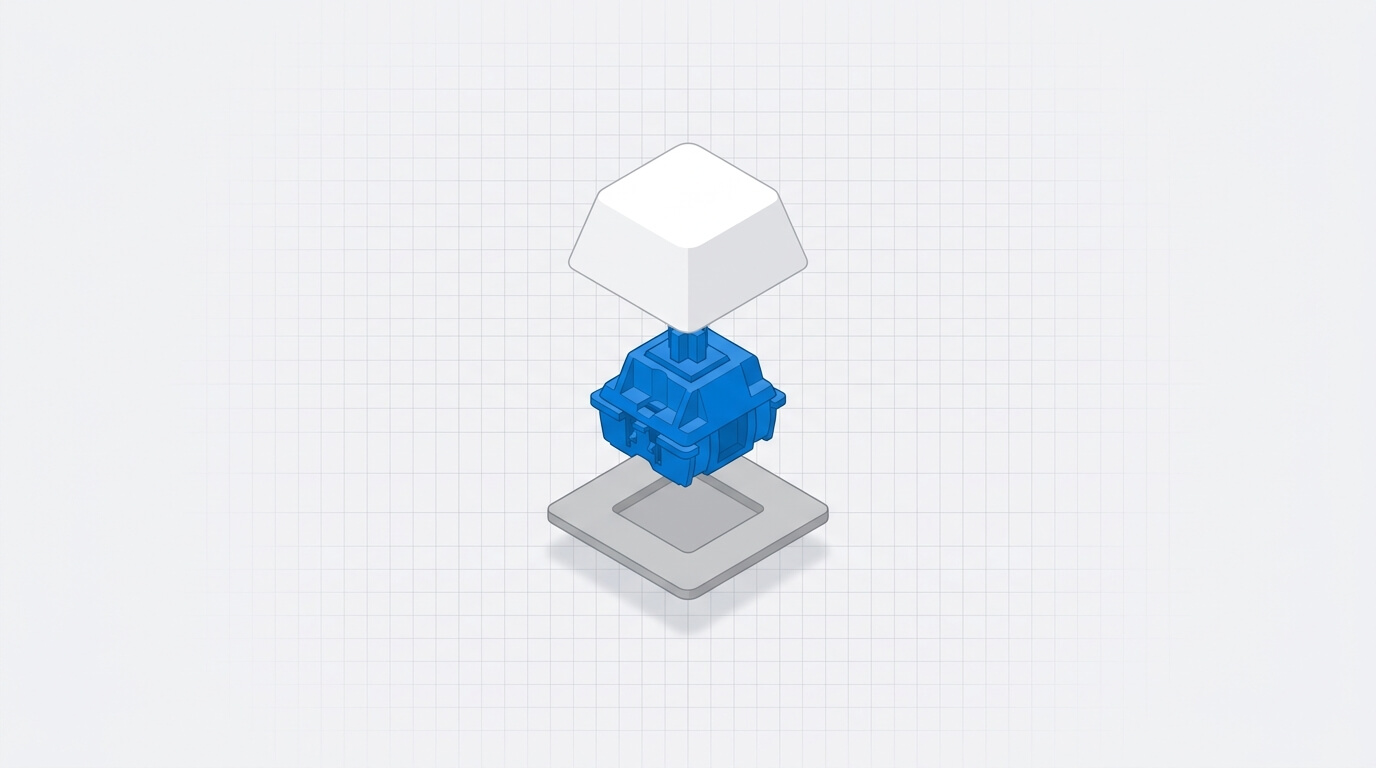
Under every key on a mechanical keyboard is a switch, and the switch is most of what you feel and hear when you type. People argue about switches the way they argue about coffee. Here is what the argument is about.
Three families
Linear switches move straight down with no bump and no click. Smooth, quiet, and the choice of most fast typists and gamers because nothing interrupts the stroke. Gateron Ink Black, Cherry MX Red and Cherry MX Black are linears.
Tactile switches have a bump partway down that you feel under the finger at the point the key registers. Cherry MX Brown, Holy Panda and most of the boutique switches are tactile. The bump tells your finger the key has fired, so you can lift early.
Clicky switches add an audible click to the bump. Cherry MX Blue is the common one. The IBM buckling spring, from the Model M of the 1980s, is the ancestor: a coiled spring that literally buckles with a crack you can hear across a room.
What the sound tells you
Sound is feedback. A linear switch on a metal plate gives a deep "thock"; the same switch in a plastic case sounds higher and thinner. A clicky switch tells you exactly when the key registered, which is why some people type more accurately on one and everyone around them wishes they didn't.
Typists who learned on loud keyboards often find silent ones disorienting: without the sound, the rhythm goes. This is real, and it is why mechanical-keyboard communities have recorded the sound of hundreds of switches. Some typing apps play those recordings on each keystroke so that a laptop keyboard can sound like whatever you learned on.
Does the switch make you faster?
Less than people hope. Studies and community data agree that once a typist is used to a switch, speed differences between switch types are small. What matters more is that the keyboard is consistent — every key feels the same — and that you know it well. A fast typist on Cherry MX Browns is a fast typist on a MacBook keyboard within a week.
What a switch does change is comfort over hours and how much feedback you get while learning. Beginners benefit from a clear signal that a key has fired; a tactile bump or a sound does that.
Choosing one
- You share a room: linear or tactile, not clicky.
- You are learning: tactile, for the feedback.
- You want the quietest thing that still feels mechanical: a linear with dampened keycaps.
- You want the sound of a 1980s office: buckling spring, and apologies to your colleagues.
Common questions
What is the difference between linear, tactile and clicky switches?
Linear switches move straight down with no feedback. Tactile switches have a bump you feel when the key registers. Clicky switches add a sound to that bump.
Do mechanical keyboards make you type faster?
Slightly, once you are used to one, and mostly through comfort and feedback rather than raw speed. Consistency and familiarity matter more than the switch type.
What does a buckling spring keyboard sound like?
A sharp, loud crack on every keystroke, produced by a spring that collapses sideways when pressed. It is the sound of the IBM Model M and the loudest common switch design.